
Copy your strategy to TradingView or another platform
Wildflower Trading School · Lesson 2.4.8.22 · This exercise needs a Trade subscription

This lesson finishes the work towards your own indicator strategy: a signal and a filter you chose from Studio's indicators, every number yours, checked trade by trade, and drawn on your own chart platform. Today is line seven, on whichever platform you use. Copy to a platform needs a Trade subscription.
1 of 9
What you'll learn
- Copy to a platform offers five platforms. Copying needs Trade.
- Each Ready page checks the copy and gives the file or the code.
- Risk, limits and orders stay in Wildflower.
- Copy again after every change you save.
- cTrader gives tick volume only, so volume rows can't go there.
Exercise
- Choose Trade or Automate on Plans. Copying to a platform needs Trade.
- Open your strategy in Strategies, press Copy to a platform and pick the platform you chart on.
- On the Ready page, check it says No errors, and open What stays in Wildflower.
- Check your settings on the page, like Stop distance from the entry, in ticks, against line 5 of your rule.
- Follow your platform's steps in its help article, then set one day's setups beside Wildflower's preview and write line 7.
- After your next saved change, copy again and replace the old one.
- Help article Copy your strategy to TradingView or another platform
- Help article Copy your strategy to MetaTrader 5
- Help article Copying your strategy to a platform: the Trade subscription
Quick check
1. Which does the platform copy leave to Wildflower?
2. You save Version 4. Until you copy again, the chart shows...
3. Which platform can't take an OBV filter?
0 of 3 answered.
Finished this lesson?
Tick it off and keep your place
Read the full notes
Copy to a platform puts your strategy on TradingView, MetaTrader 5, NinjaTrader, cTrader or Quantower as an indicator that draws the same setups. In Wildflower, open your strategy, press Copy to a platform and pick a platform. Its Ready page checks the copy has no errors, gives the file or code, and lists what stays in Wildflower: the risk and number of contracts, the daily limits and how the order is sent. After you save a change, copy again. cTrader only gives tick volume, so volume indicators can't go there. Copying needs a Trade subscription.
What you're building. The last lesson towards your own indicator strategy: a signal and a filter you chose from Studio's indicators, every number yours, checked trade by trade, and drawn on your own chart platform. Lesson 3 put it on TradingView. Today is any of the five platforms.
| My indicator rule |
|---|
| 1. The signal: … (which indicator, and what it must do) |
| 2. The signal's numbers: … candles, …-minute candles, the price it reads … |
| 3. The filter: … (which indicator, must hold or must not, buys, sells or both) |
| 4. The filter's level: … in its own unit |
| 5. Stop … ticks, target … times the stop, $… a trade, … to … New York |
| 6. The wait: my strategy needs … candles before it can trade |
| 7. Checked: … trades gone through, and on my platform: … |
Why. Your platform shows the setups your rule finds, so the numbers you tested are the setups you see. A copy made before your last change shows the old rule.
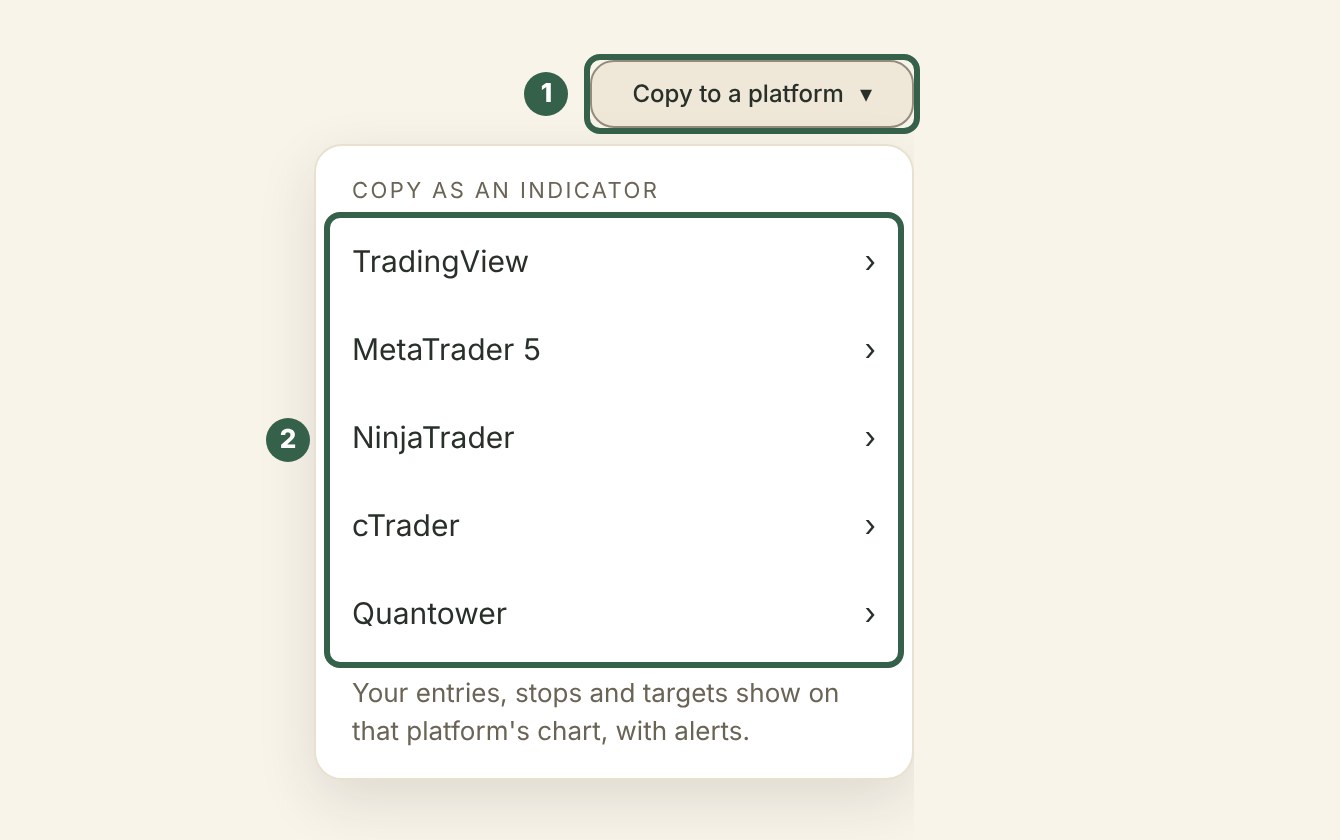
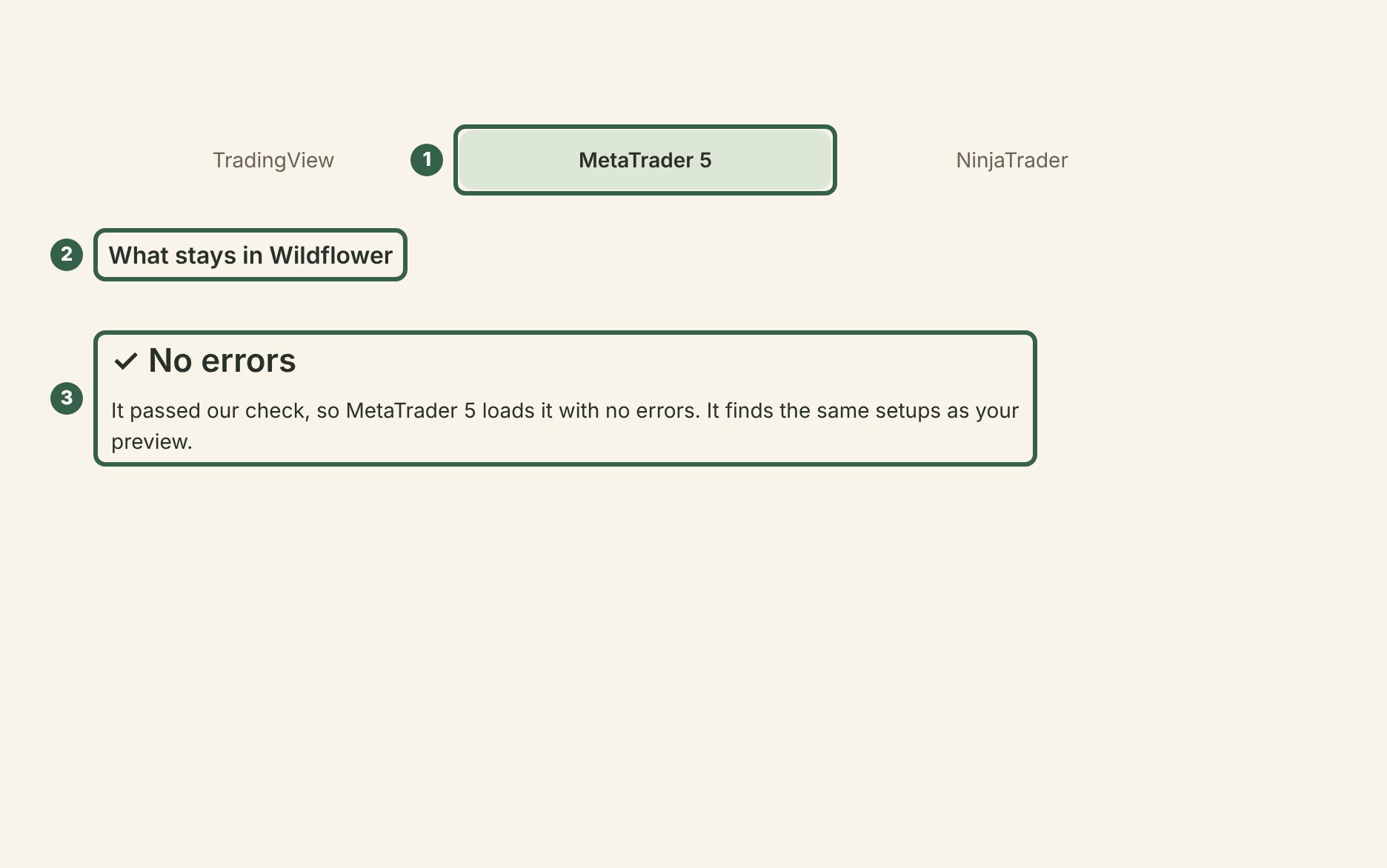
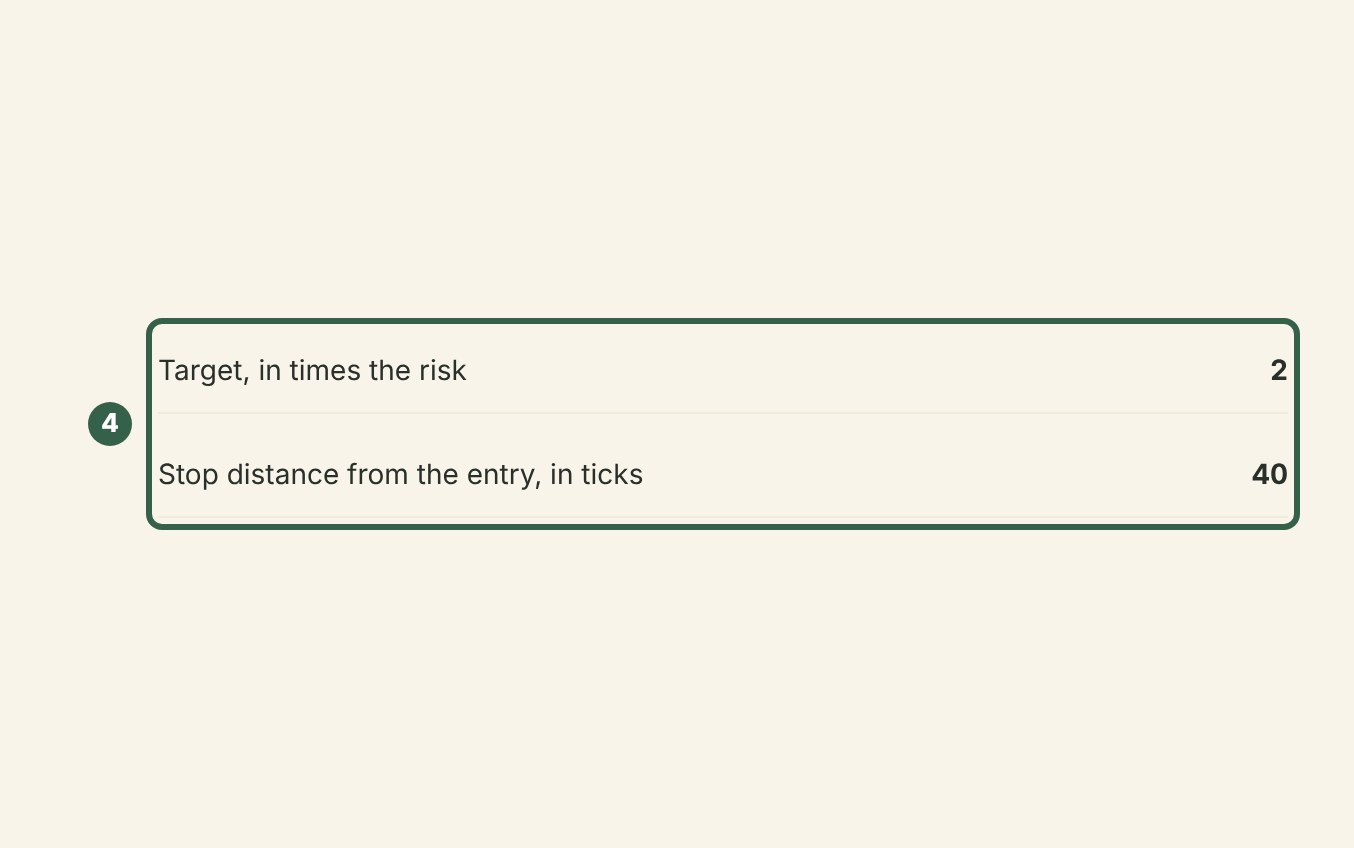
| Platform | You get |
|---|---|
| TradingView | Code to paste |
| MetaTrader 5 | A file to download |
| NinjaTrader | A file to download |
| cTrader | Code to paste, no volume indicators |
| Quantower | Code to paste |
After a change. Your platform's copy doesn't change by itself. Save in Wildflower, then copy again and replace the old one.
How traders use the copy. We can't tell you which to choose. These are the common uses. Alerts on each new setup. A daily check of the platform's setups against Wildflower's preview. And one platform, so there's one copy to replace after each saved change.
Worked example
Made-up numbersSam copies to MetaTrader 5
Sam is made up. His strategy is on Version 3.
- He presses Copy to a platform and picks MetaTrader 5.
- The Ready page says no errors, and he downloads the file.
- Later he saves Version 4, and copies again.
His MetaTrader 5 chart shows Version 4's setups.
Trading is risky. You can lose money. This lesson shows how Wildflower works. It isn't advice.