
Auto or Ask me
Let the Bot trade for you, or approve every trade.
Fully automatic, semi automatic, or ask you first. So you never miss a setup or trade on emotion.
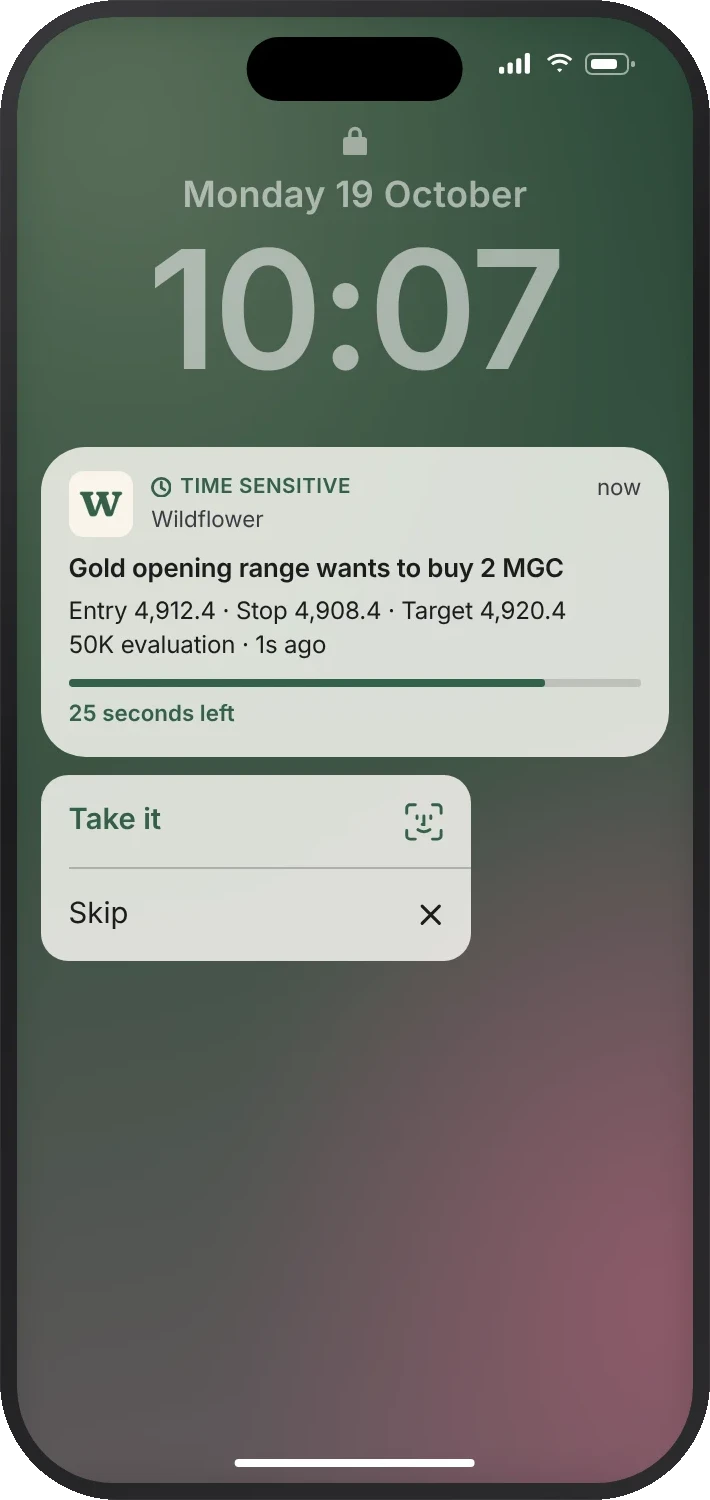
Three ways to trade
Pick how much the Bot does on its own.
Change it any time, for each account.
Auto
The Bot places every trade that fits your strategy.
Ask me
Nothing is placed until you click Take.
Ask me, then take it
It places the trade if you don’t answer in time.
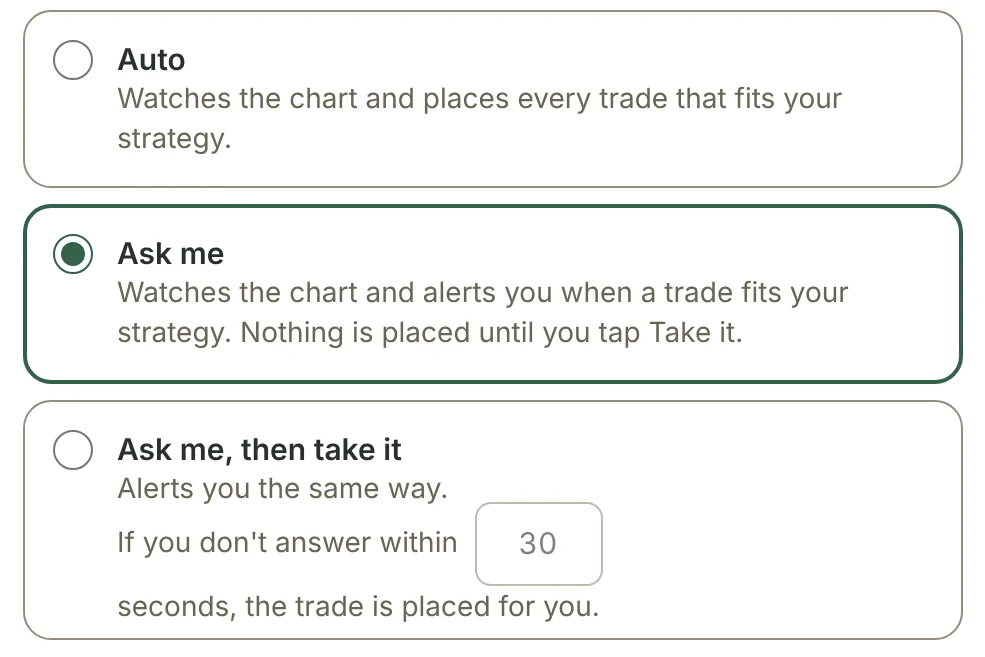
A different way on each account
Auto on your evaluation. Ask me on your funded account.
Each account keeps its own setting, so you stay hands-on where it matters most.
- Run your evaluation on Auto while you’re at work.
- Approve every trade on the account you’ve already passed.
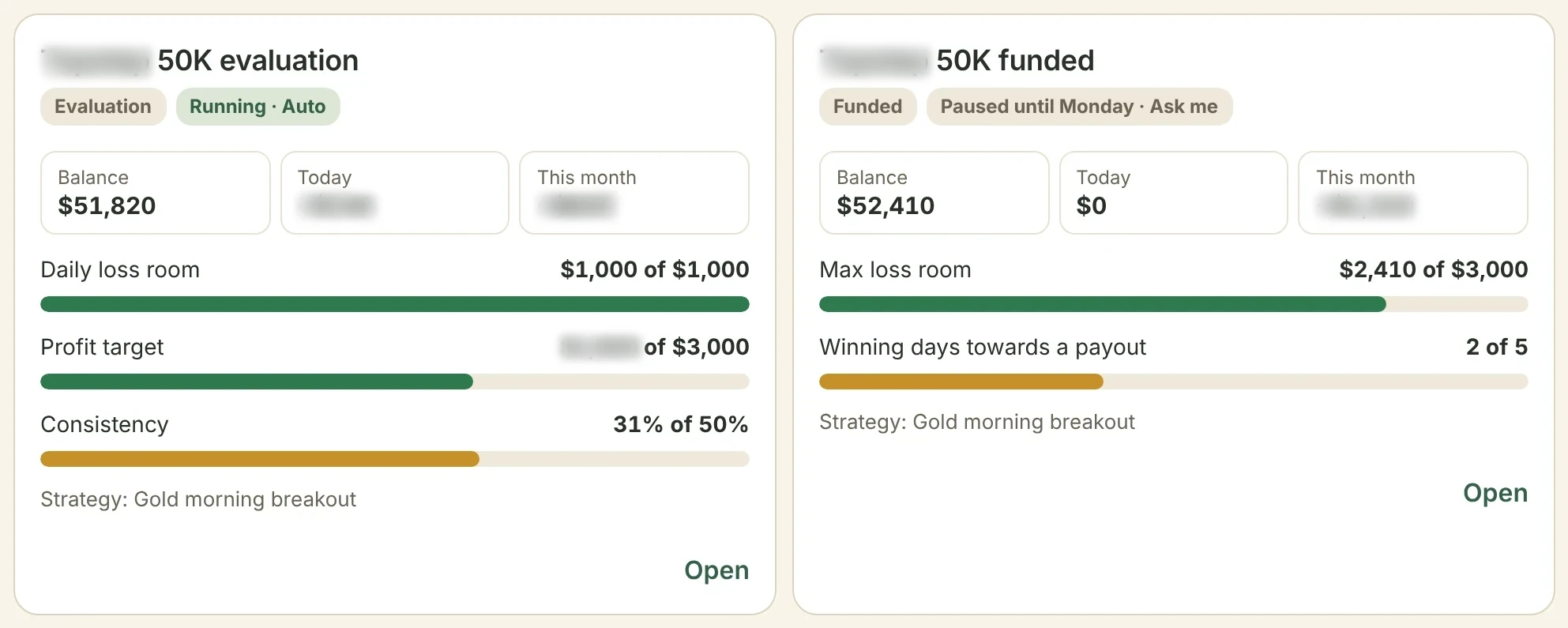
Summaries
Know how every account did without logging in to each one.
A daily, weekly and monthly summary across all your accounts.
- Trades placed and skipped, account by account.
- Which account came closest to a limit.
FAQs
Where do the alerts come to?+
Your phone and your computer. You can turn sound on or off, and set quiet hours.
What if I miss an alert?+
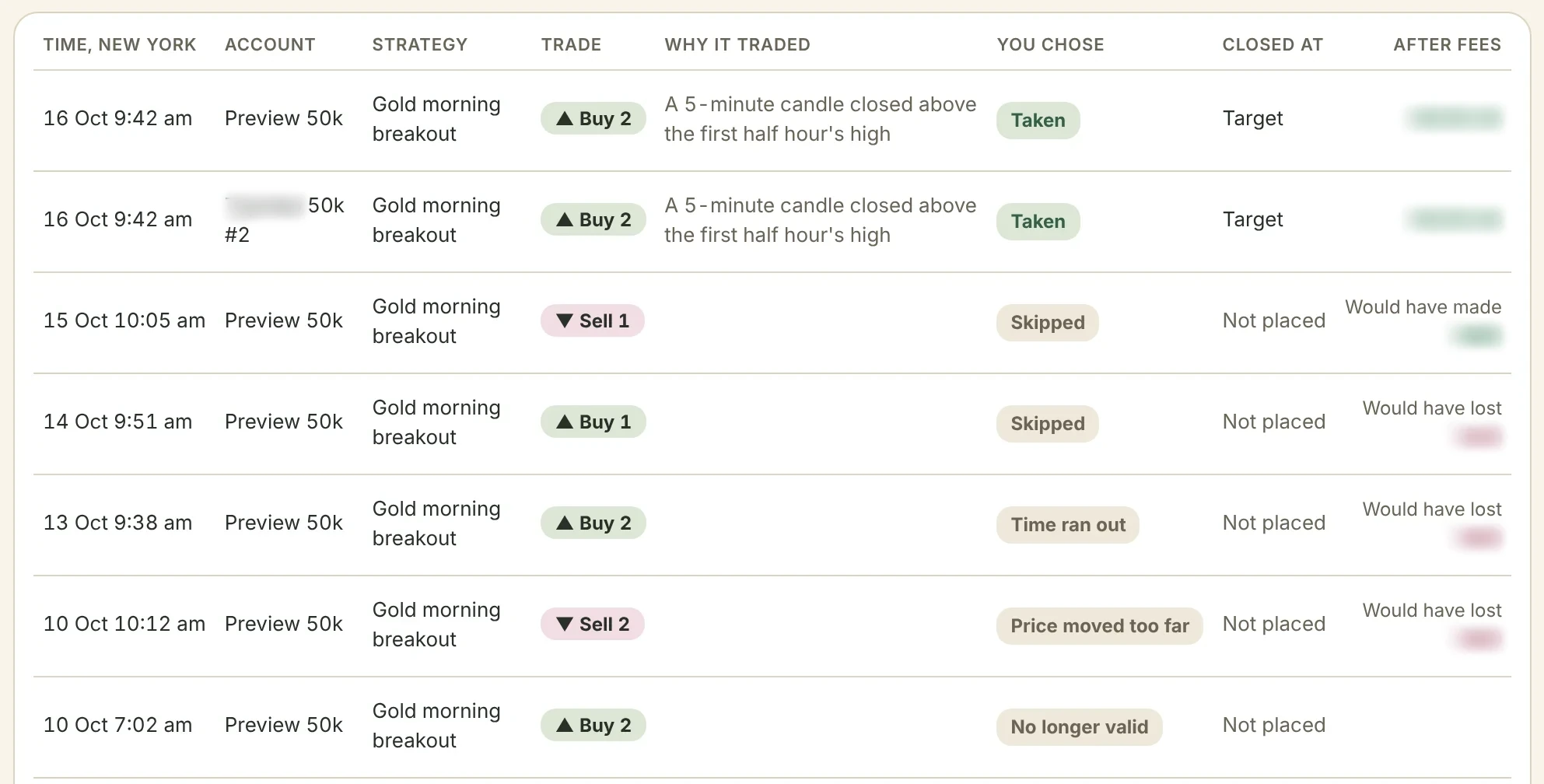
On Ask me, nothing is placed. On Ask me, then take it, the trade is placed when your time runs out.
What if the price has moved by the time I click Take?+
You choose how far the price can move. If it moves further, the trade is skipped.
Can I change how it trades later?+
Yes. Change it any time, for each account.

Trade your way, every time.
Try it free in the Learn subscription. Then upgrade to Automate when you want to place real trades through your broker or prop firm.